Find
Locate a station in the app.
How it works
A simple app-led journey from finding a station to returning the powerbank elsewhere in the network.
Locate a station in the app.
Scan the QR code and take the powerbank.
Use any PowerHive station.
Portable power / keep scrolling
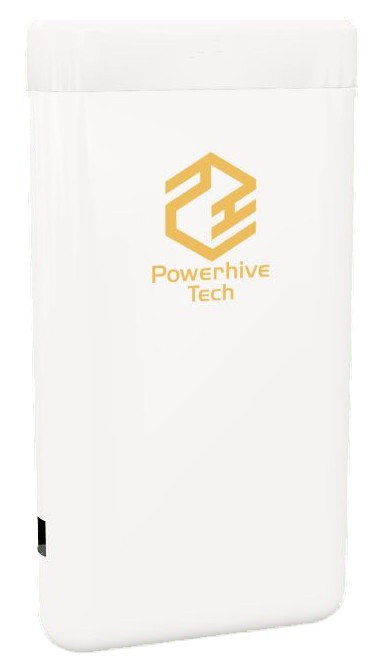
Carry the charge through the rest of your visit.
The customer journey
Use the PowerHive app map to find a station, then scan the station QR code to enter the digital rental flow.
Take the released powerbank with you. Built-in USB-C and Lightning connectors support common phone connections.
Return the powerbank to any available PowerHive station. It does not need to go back to the original location.
Clear pricing
Pricing is shown before a customer confirms a rental. The total is based on an unlock fee and time used, with a daily customer charge cap.
The network effect
The app map helps customers find both rental and return points, while network-wide returns remove the need to retrace their steps.
For venue operators